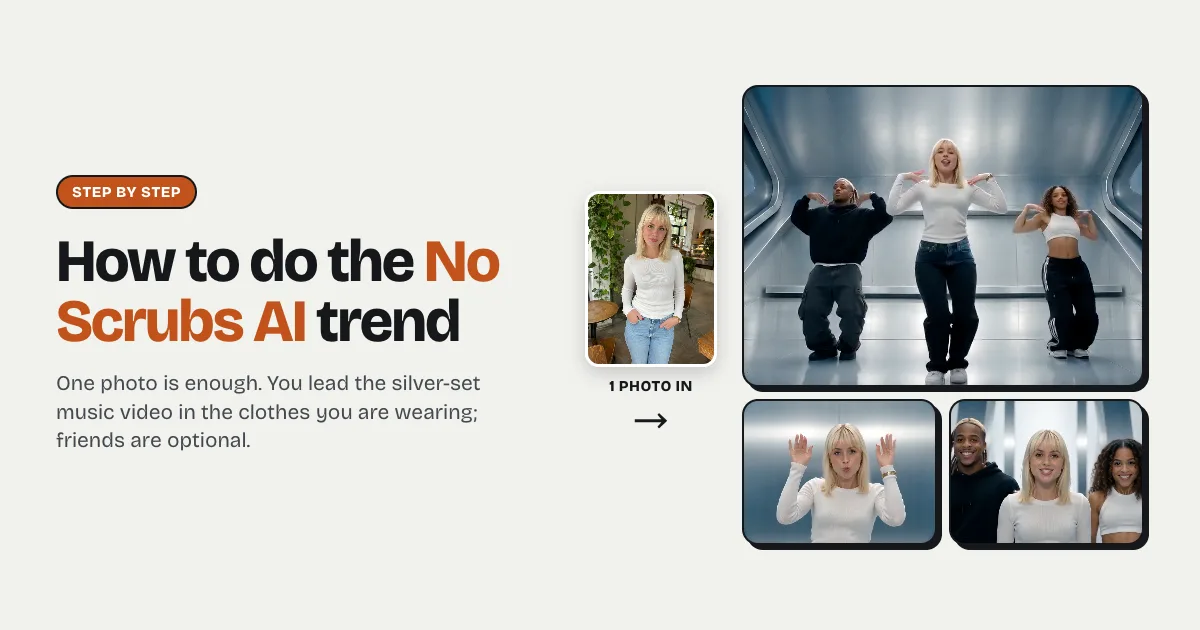
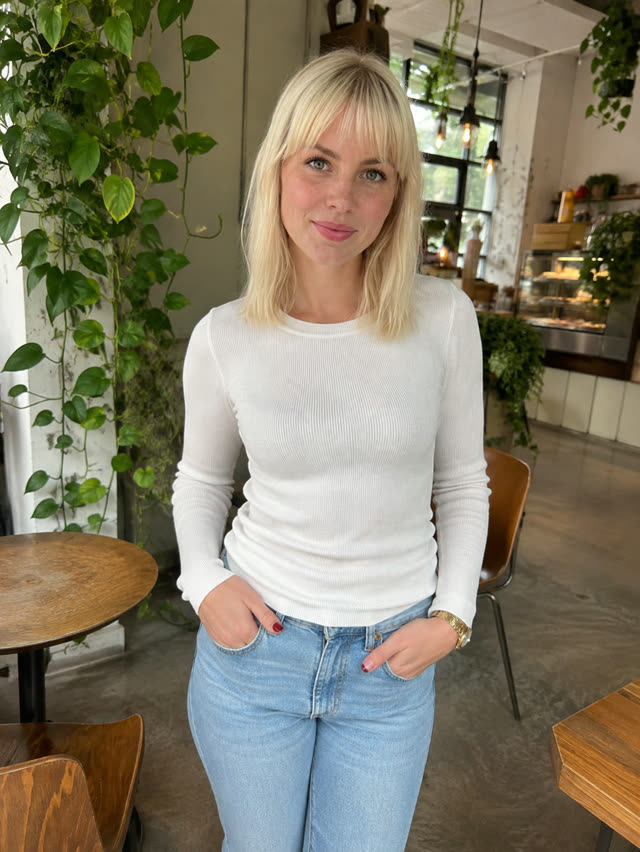
Short answer: to do the No Scrubs AI trend you need one clear photo of yourself and a generator that has the template, such as the No Scrubs AI page on raindance-ai.org. Upload your photo, add a friend or two if you have them, keep Trend sound on and press Make. Five to ten minutes later you download a 15-second, 4:3 MP4 of the silver-set music video with you in the middle and each person dressed the way their photo shows them, no watermark. One video is $9.99; it is not free.
What you need before you start
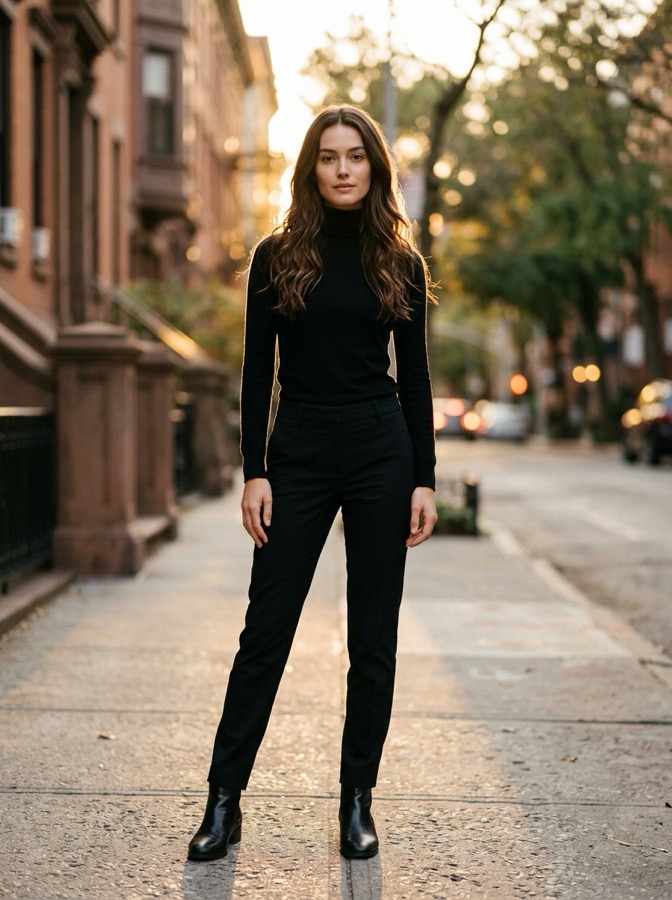
- One photo of you. Face to the camera, good light, wearing what you want to wear in the video. That is the only thing the page insists on.
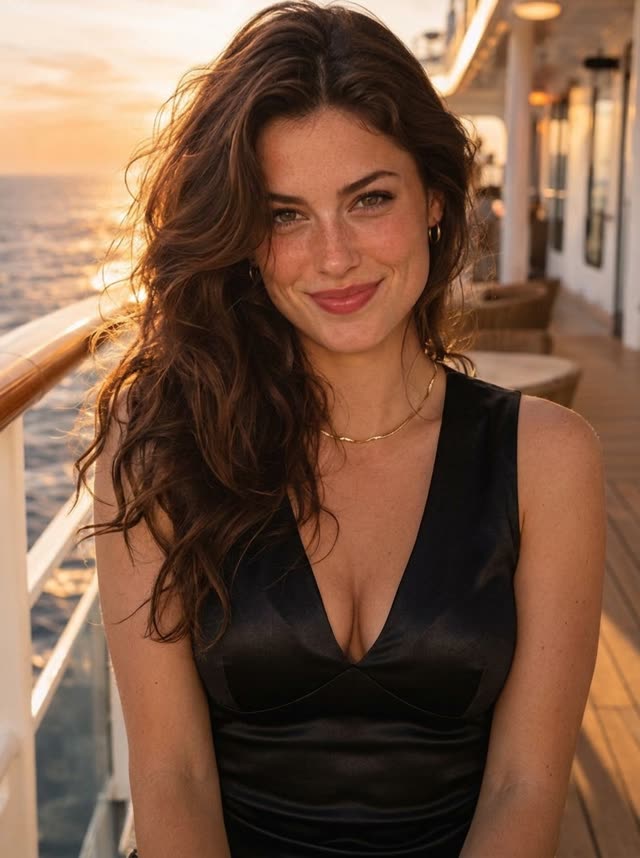
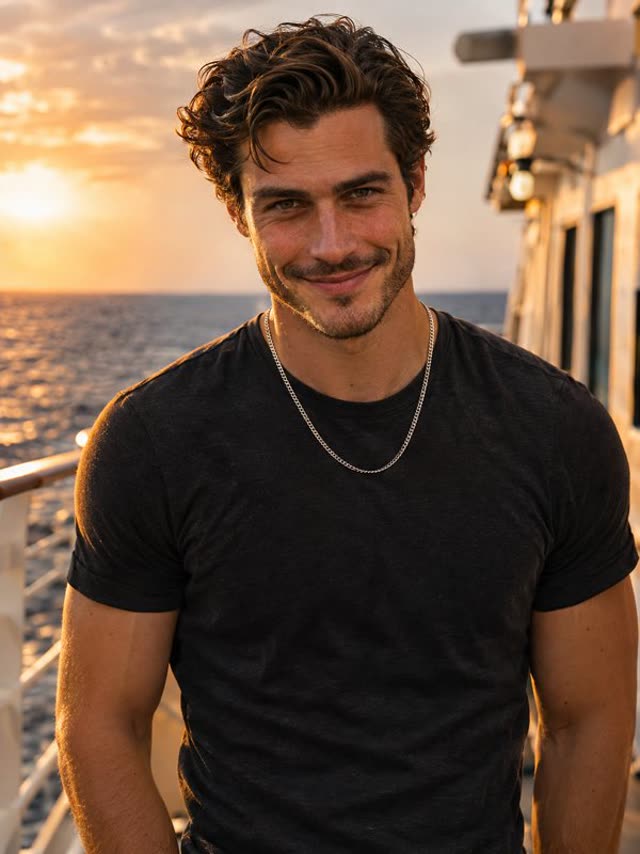
- Up to two more photos, one adult in each, if you want real friends beside you. Skip them and the AI invents the other two dancers.
- About ten minutes. Two to upload and pay, the rest for the render, and you do not have to keep the tab open.
- A Google account to sign in, and a card, Apple Pay, Google Pay or Link for the $9.99.
No editing app, no prompt and no video of yourself. The moves come from the trend clip, the faces and outfits from your photos.
Solo, duo or trio: pick your version
The trend is an AI remake of a short cut of TLC's 1999 video: a silver corridor, a lift, three people dancing in a row. Three places, so three ways to do it.
| You have | Upload | What comes out |
|---|---|---|
| Just yourself | Photo 1 only | You lead; two AI-made dancers take the sides |
| You and one friend | Photo 1 and either photo 2 or photo 3 | You in the middle, your friend on the side you picked, one AI dancer on the other |
| A group of three | Photos 1, 2 and 3 | All three of you, each in your own outfit |
Two things decide who should go where:
- Photo 1 gets the most screen time. The ride up on the lift, the sung close-up with both hands raised, and the shot looking straight down from the ceiling all belong to the middle place. Give it to whoever the post is about.
- Photo 2 gets the cheeky moment. The left place has the finger-to-the-lips close-up and, later, the low reach toward the lens. Put your funniest friend there. Photo 3 dances on the right and shares the final three-face shot.
The price is the same for all three versions, so a solo clip costs no less than a full trio.
Make it in four moves
- Open the No Scrubs AI page and fill box 1. Add the others if you are bringing friends. Have a group photo? Crop it into separate pictures first, one person each.
- Leave the sound on "Trend sound", or switch to "No song" for a silent file. More on that choice under posting, below.
- Press Make. If you are not signed in, Google sign-in opens first, then checkout. Your photos stay in place while you pay.
- Wait, then download. Most clips are done in five to ten minutes. Close the tab if you like: the finished MP4 waits under My videos.
If a render fails, the credits for it come back to your account by themselves and you can run it again.
If the result looks off
Most problems trace back to a photo, and a second try with a better one fixes them.
- The outfit is not the one you wanted. The AI copies what the photo shows. Retake it in the clothes you want, in plain light.
- Trousers or shoes you never owned. Your photo stopped at the waist, so the AI added plain ones. Use a full-length photo to keep your own.
- The face is close but not quite you. Sunglasses, a heavy filter, a hat brim over the eyes or a tiny face in a wide shot all cost likeness. A sharp, front-facing photo from the chest up works best. The photo guide has examples.
- A stranger is in your friend's place. That box was empty, so the AI cast someone. Add your friend's photo there.
- Two people merged into one. A photo with two faces confuses the casting. One adult per photo.
- Black bars on your phone. Nothing is broken: the clip is 4:3, the shape of the posts it copies.
Can you do it yourself with a prompt?
You can try, and it is a fair weekend project, but know what you are signing up for. A text prompt on a general video model gives you three people dancing in a shiny room. It does not give you this cut: the lift at the start, the close-ups, the ceiling shot, each landing on the beat. To get that, a model has to be shown the reference clip and told, shot by shot, who stands where and what they wear, and you will usually spend several paid attempts getting faces and clothes to hold across fifteen seconds.
The template skips that work: the shot list, the places and the outfit rule are already set, and you only choose the people. If you are weighing one template against another, the No Scrubs AI apps compared page lists what each one does with your outfit, the frame and the sound.
Posting it on TikTok, Reels and Shorts
- Bars are normal. A 4:3 clip sits in the middle of a tall screen with space above and below. Most people put the caption or a sticker there. Cropping to full screen cuts off the side dancers.
- Trend sound or no song? With Trend sound the audio is already on the file, the quickest way to post. Apps sometimes mute audio they recognise. If that happens to yours, make the "No song" version and attach the sound inside TikTok or Reels when you post.
- Turn on the AI-generated label. The platforms ask for it on realistic AI video, and viewers of this trend expect it.
- Tag the friends who are in it. These posts travel through group chats first.
What it costs and how long it takes
| One video | 10 credits: $9.99 |
| Five videos | $29, credits never expire |
| Render time | About five to ten minutes |
| File | 15 seconds, 4:3, 480p MP4, no watermark |
| If a render fails | Credits returned automatically |
Is the No Scrubs AI trend free to make?
Not here. Every clip is a full AI render that costs real money to produce, so there is no free tier and no free trial: one video is $9.99. Other sites sometimes hand new accounts a handful of credits or a brief preview; those free files tend to carry a watermark or come out shorter and blurrier.