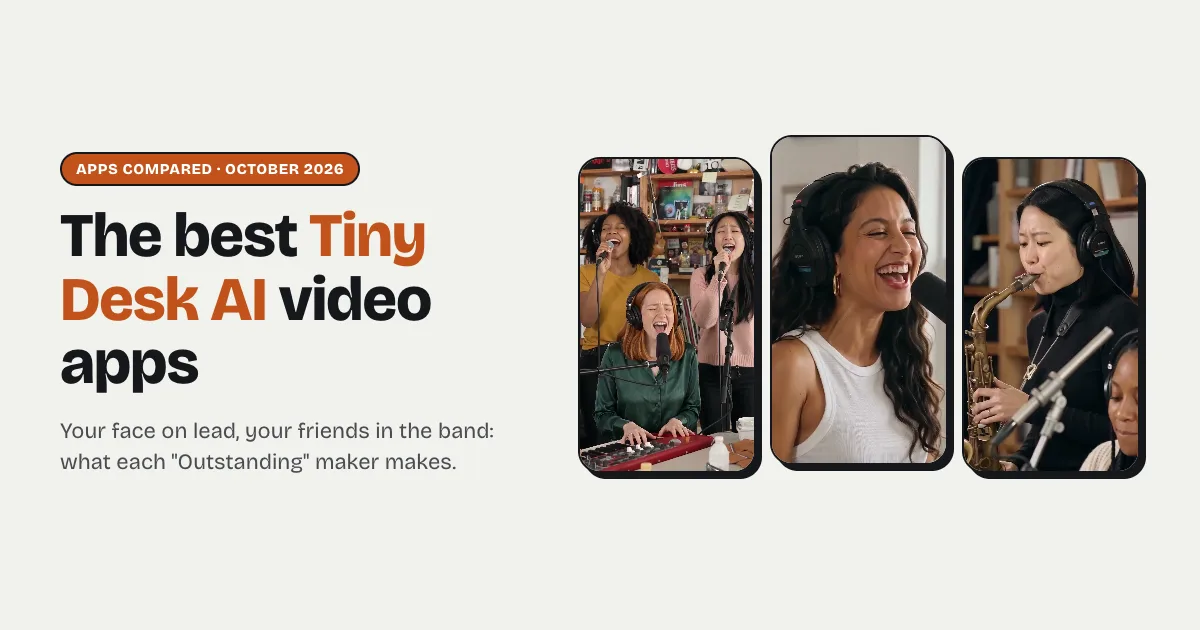
Short answer: pick a maker that re-films the viral "Outstanding" desk concert itself, keeps the song and lets each friend take a seat in the band. Tiny Desk AI (our sister site, made by the team behind Raindance AI) does exactly that: one photo for the lead singer plus up to four more for the keyboard, sax and two backup singers, and you get the 15-second vertical video with the original "Outstanding" sound and a second no-music file from the same render, no watermark, in about 5 minutes. One video is $9.99 in 480p, or $14.99 in 720p HD. Dedicated makers such as TinyDeskVideo.com, OutstandingTinyDesk.app, Tiny-Desk-AI.app, tinydeskai.net and TinyDesk.me, and trend apps such as RapVideo.ai, Tiny Desk AI Trend and Jump on the Trend, make similar videos. None of their pages mentions a no-music file, and several don't say whether the download is watermark-free.
What's new on this page
- 29 October 2026: first version. Every tool's own page was read on this date.
What the Tiny Desk AI trend is
On 18 October 2026 a TikTok creator posted a 19-second AI video that recast the closing "Outstanding" of Charlie Wilson's 2023 NPR Tiny Desk concert with five losing college football coaches in sideline headsets: a lead singer, a keyboard player, a sax player and two backup singers crowded around a desk in a cluttered office. People now ask for the same video with their own faces, one friend per seat. None of the tools below is official or uses NPR's footage, and none is affiliated with NPR, Tiny Desk Concerts, Charlie Wilson or The Gap Band.
Two kinds of Tiny Desk AI maker
Recasts of the viral video re-film that AI clip shot for shot (the band in headphones singing the opening line, the lead's long note, laugh and wave, the sax solo) with new faces in the seats, and keep its sound. Scene makers film a fresh desk concert in the same spirit, often with a choice of settings such as an office, a garage or a birthday, so the result looks less like the clip people recognise. Tiny Desk AI is a recast. Neither is wrong; they make different things.
The tools side by side
What each tool's own page said on 29 October 2026. "Not stated" means the page didn't say.
| Tool | Kind | Photos | Length | Original "Outstanding" sound | No-music file too | Watermark-free | Ready in |
|---|---|---|---|---|---|---|---|
| Tiny Desk AI (our sister site) | Recast of the viral video | 1 for the lead, up to 4 more for the band | 15 s, 9:16 | Yes | Yes, from the same render | Yes, always | About 5 minutes |
| RapVideo.ai | Trend app, many templates | 1 to 5, or one group photo | 15 s, 9:16 | The song is on the clip | Not stated | Not stated | 5 to 15 minutes |
| TinyDeskVideo.com | Dedicated maker | 1 for the lead, up to 3 more | 10 s, 9:16 | An excerpt | Not stated | Not stated | Not stated |
| OutstandingTinyDesk.app | Scene maker, six settings | 1 to 5 | 15 s, 9:16 | Yes, or music made by the model | Not stated | Yes | A few minutes |
| Tiny-Desk-AI.app | Dedicated maker | 1 to 3 | About 15 s, 9:16 | The song is on the clip | Not stated | Yes | 3 to 8 minutes |
| tinydeskai.net | Dedicated maker | 1 (solo) or 5 (band) | About 15 s, 9:16 | With sound, track not named | Not stated | Not stated | Not stated |
| TinyDesk.me | Dedicated maker | 1 to 5 seats | 8 or 19 s | Yes | Not stated | Yes, on downloads | 3 to 5 minutes |
| Tiny Desk AI Trend | Scene maker, six sets | 1 to 5 | 15 s, 9:16 (other sizes too) | Mixed in | Not stated | Paid plans only | About 4 minutes |
| Jump on the Trend | Trend app, many templates | 1 to 3 | 15 s, 9:16 | The clip's audio | Not stated | Not stated | 10 to 20 minutes |
There is also a do-it-yourself route: Kapwing's tutorial walks through making the band's portraits, generating each shot with a video model and lining them up on a Tiny Desk template in its editor. It works, but it is an afternoon of editing rather than a few minutes.
Each one in a sentence or two
- Tiny Desk AI (our sister site): 15 seconds of the viral "Outstanding" video re-filmed with your photo on lead and up to four friends in the band; any empty seat is played by an AI musician. You get the original sound plus a no-music file. Make one here. Not for: the full 19-second cut or a different song, because it films one fixed 15-second stretch.
- RapVideo.ai: a trend app with a Tiny Desk template that takes one to five people. Not for: posting with another sound, since its page mentions no no-music file.
- TinyDeskVideo.com: a dedicated maker for a lead singer and up to three friends. Not for: the whole five-person band or the full 15-second moment; its video is 10 seconds.
- OutstandingTinyDesk.app: a scene maker with six settings (office, garage, locker room, wedding, classroom, rooftop). Not for: the viral video's own look; its page says it doesn't recreate the coaches' line-up.
- Tiny-Desk-AI.app: a dedicated maker for one to three people. Not for: a band of four or five friends.
- tinydeskai.net: a dedicated maker with a one-photo solo mode and a five-photo band mode. Not for: a group of two to four friends, since its page names only those two modes.
- TinyDesk.me: a dedicated maker with an 8-second and a 19-second version. Not for: knowing the resolution before you start; its page doesn't say.
- Tiny Desk AI Trend: a scene maker with six sets (lead singer, losing coach, duo, office band, birthday, pet) and several quality tiers. Not for: a quick pick; there are many sets, sizes and tiers to choose between.
- Jump on the Trend: a trend app that swaps the lead, keyboard and sax and leaves the backup singers as they are. Not for: a fast result; its page says the full video takes 10 to 20 minutes.
Is there a free Tiny Desk AI video maker?
Yes, with limits. Some tools hand out a free preview or a few credits, but free results are usually a still frame, a couple of seconds or watermarked, and the full video needs a paid credit. Tiny Desk AI has no free tier, because every video is a real render of the whole 15-second moment: one video is $9.99 in 480p, with no watermark, and a render that fails gives its credits back automatically.
How to choose in ten seconds
- You on lead in the viral video, with the song? Tiny Desk AI.
- Your friends in the band, anywhere from one to five photos? Tiny Desk AI: every seat after the lead is optional.
- Posting with a different sound? Tiny Desk AI's no-music file, from the same render.
- A new setting instead of the viral office, like a garage or a birthday? A scene maker such as OutstandingTinyDesk.app.
- A different trend with your face? Raindance AI makes the other AI video effects people are posting this month.
Tips for a good result from any tool
- One adult per photo, face to the camera. The whole face visible, no sunglasses, masks or heavy filters, and nobody else in the frame.
- Your own photos, not screenshots. A photo of a TV show, a news site or another photo is usually refused, and so is anyone famous.
- Put the big personality on lead. The lead singer gets the close-up, the long note, the laugh and the wave; the other seats are on screen for a few seconds each.
- Plain, even light. A normal, evenly lit selfie reads better at the warm, busy desk than a dark or heavily edited one.
More photo advice that applies to any AI video: the best photo for an AI trend video.
Before you pay: consent and photos
Only use photos of adults who agreed to be in the video, and label the post as AI-generated when you share it. Most makers in the table say they refuse celebrities and public figures, so a recast with famous faces or politicians will usually fail at the photo check. On Tiny Desk AI the photos are used only to make your video, never to train models, and are deleted after 30 days. Tiny Desk AI says plainly that the original song isn't licensed for your post: its no-music file plus a sound from the app you post on is the safe way to share.